Download OnlyFans Videos on iPhone & Android
Get StreamFork on your device and start downloading in minutes. iPhone and Android both supported — choose your platform below.
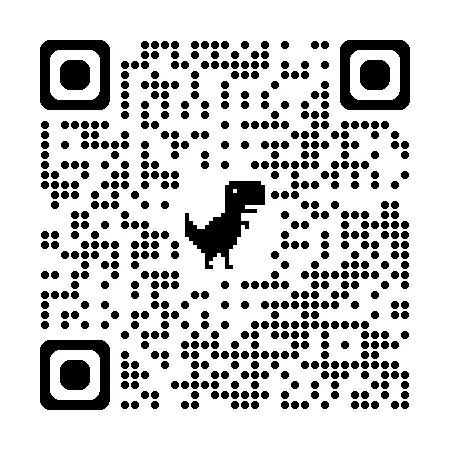
Scan to open StreamFork (iPhone)
Up and running in 3 steps
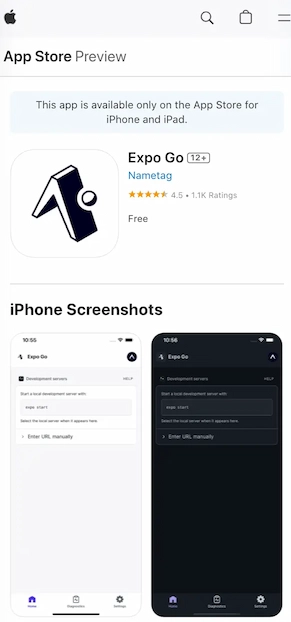
Install Expo Go
Download Expo Go from the App Store for free. StreamFork runs inside Expo Go — no extra install steps needed.
Open StreamFork
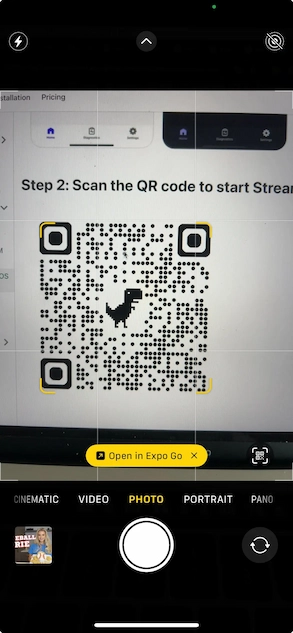
Tap the StreamFork link or scan the QR code above. StreamFork opens directly inside Expo Go — no login to Expo required.
Start Downloading
Log in to your OnlyFans account, find any video or image, and tap the download button. Files save directly to your Photos.
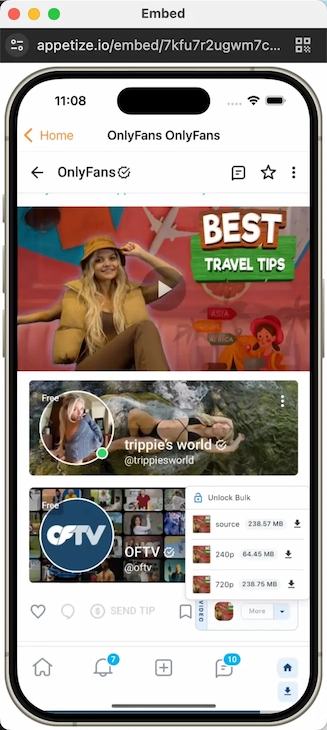
Everything you need to download
Download List
Track all your downloads in one place — active, queued, completed, and failed.
- Preview images and videos before opening
- Filter by file type, source, or creator
- Share completed files directly from the list
- Clear completed or cancel active downloads

Background Downloading
Keep downloads running while you browse. Tap the back arrow to shrink the page into a floating window — downloads continue uninterrupted.
| Action | Result |
|---|---|
| Tap ← (back arrow) | Floating window, downloads continue |
| Android hardware back button | Floating window, downloads continue |
| Tap ✕ in toolbar | Page closes, downloads stop |

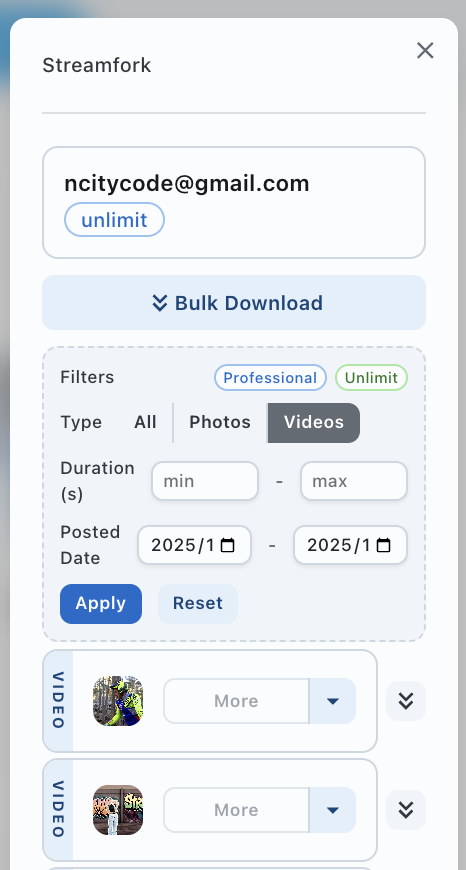
Filter Media Before Downloading
Narrow down exactly what you download. Available on Professional and Unlimited plans.
- Filter by type — All / Photos / Videos
- Filter by duration — set min/max seconds
- Filter by posted date — start and end date range
- Bulk Download all filtered results at once
Frequently asked questions
Ready to download?
Get StreamFork on your device and start downloading in minutes.