Télécharger des vidéos OnlyFans sur iPhone et Android
iPhone : installez Expo Go depuis l'App Store et scannez le QR code. Android : téléchargez l'APK directement — aucun Play Store nécessaire.
Scanner pour ouvrir StreamFork (iPhone)
Prêt en 3 étapes
Install Expo Go
Download Expo Go from the App Store for free. StreamFork runs inside Expo Go — no extra install steps needed.

Open StreamFork
Tap the StreamFork link or scan the QR code above. StreamFork opens directly inside Expo Go — no login to Expo required.
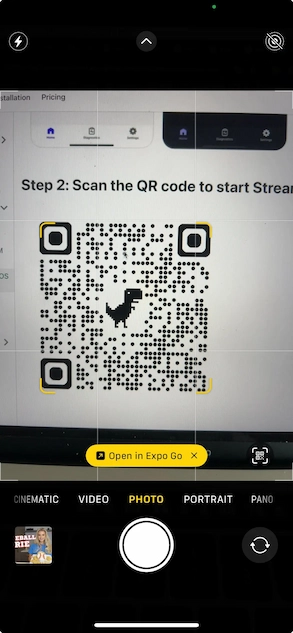
Start Downloading
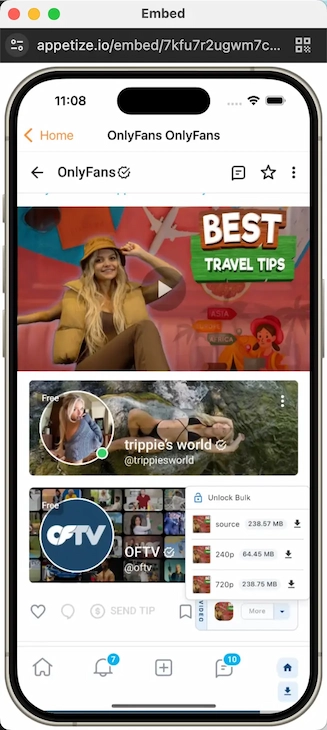
Log in to your OnlyFans account, find any video or image, and tap the download button. Files save directly to your Photos.
Tout ce dont vous avez besoin pour télécharger
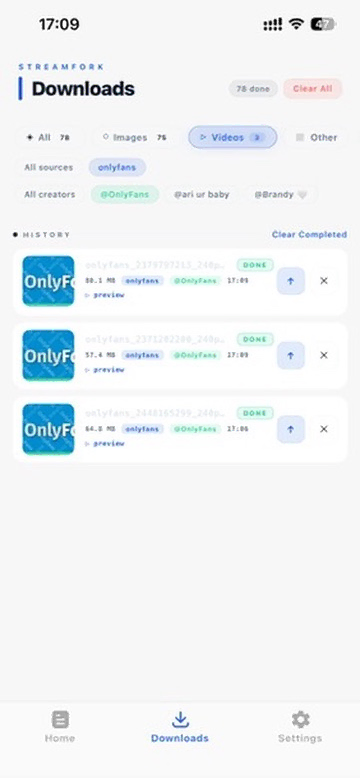
Liste des téléchargements
Suivez tous vos téléchargements en un seul endroit — actifs, en file d'attente, terminés et échoués.
- Prévisualiser les images et vidéos avant de les ouvrir
- Filtrer par type de fichier, source ou créateur
- Partager les fichiers terminés directement depuis la liste
- Effacer les téléchargements terminés ou annuler les actifs
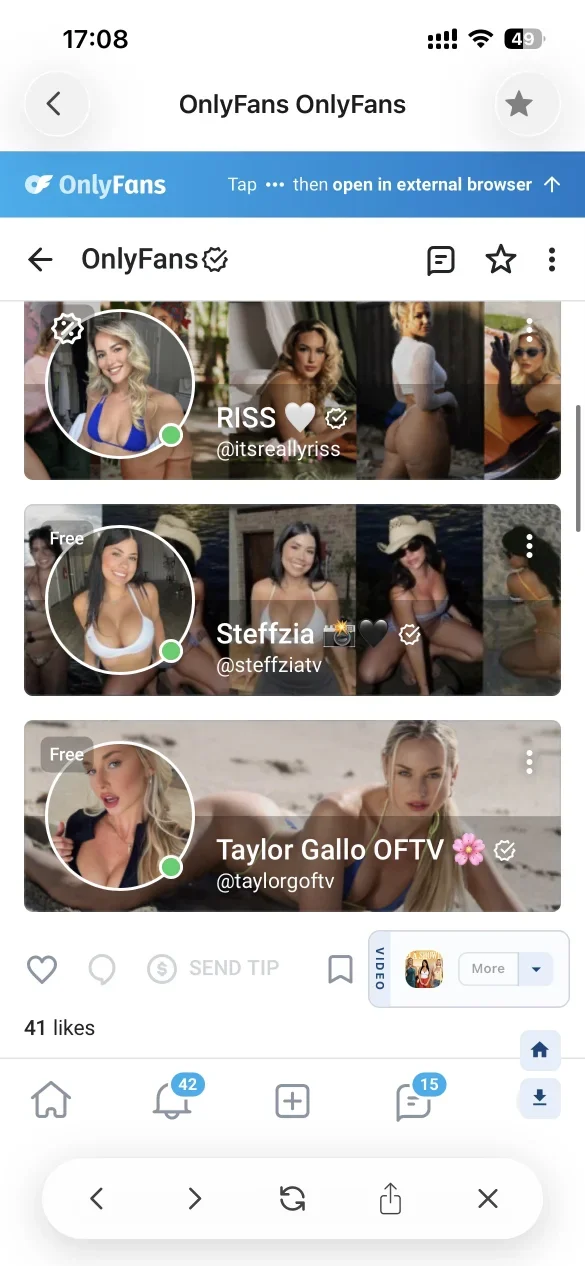
Téléchargement en arrière-plan
Gardez les téléchargements actifs pendant la navigation. Appuyez sur la flèche retour pour réduire la page en une fenêtre flottante — les téléchargements continuent sans interruption.
| Action | Résultat |
|---|---|
| Appuyer sur ← (flèche retour) | Fenêtre flottante, téléchargements continuent |
| Bouton retour physique Android | Fenêtre flottante, téléchargements continuent |
| Appuyer sur ✕ dans la barre | Page fermée, téléchargements arrêtés |
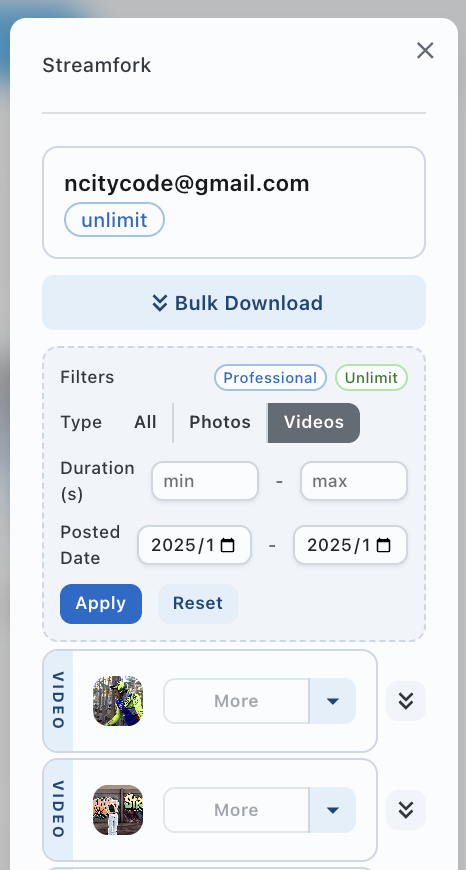
Filtrer les médias avant de télécharger
Choisissez exactement ce que vous téléchargez. Disponible avec les plans Professional et Unlimited.
- Filtrer par type — Tous / Photos / Vidéos
- Filtrer par durée — min/max en secondes
- Filtrer par date de publication — plage de dates
- Téléchargement en masse de tous les résultats filtrés
Questions fréquemment posées
Prêt à télécharger ?
iPhone : installez Expo Go et scannez le QR code. Android : téléchargez l'APK directement.